
How to Use Shrewd LMS as Admin
Comprehensive guide for administrators setting up and managing Shrewd LMS within Microsoft Teams.
Important Note: Shrewd LMS works natively within Microsoft Teams and does not require configuration via Azure Active Directory (Azure AD). We strongly recommend not using Azure AD groups or custom restrictions to control access, as this may cause unexpected access issues. Manage access using Microsoft Teams settings and policies only. The same Shrewd LMS app cannot be added twice in the same Team or Chat scope.
Reports API
Integrate reporting into your own systems
Shrewd LMS provides a Reports API for integrating report data into your organisation's systems.
Steps to Generate API Key
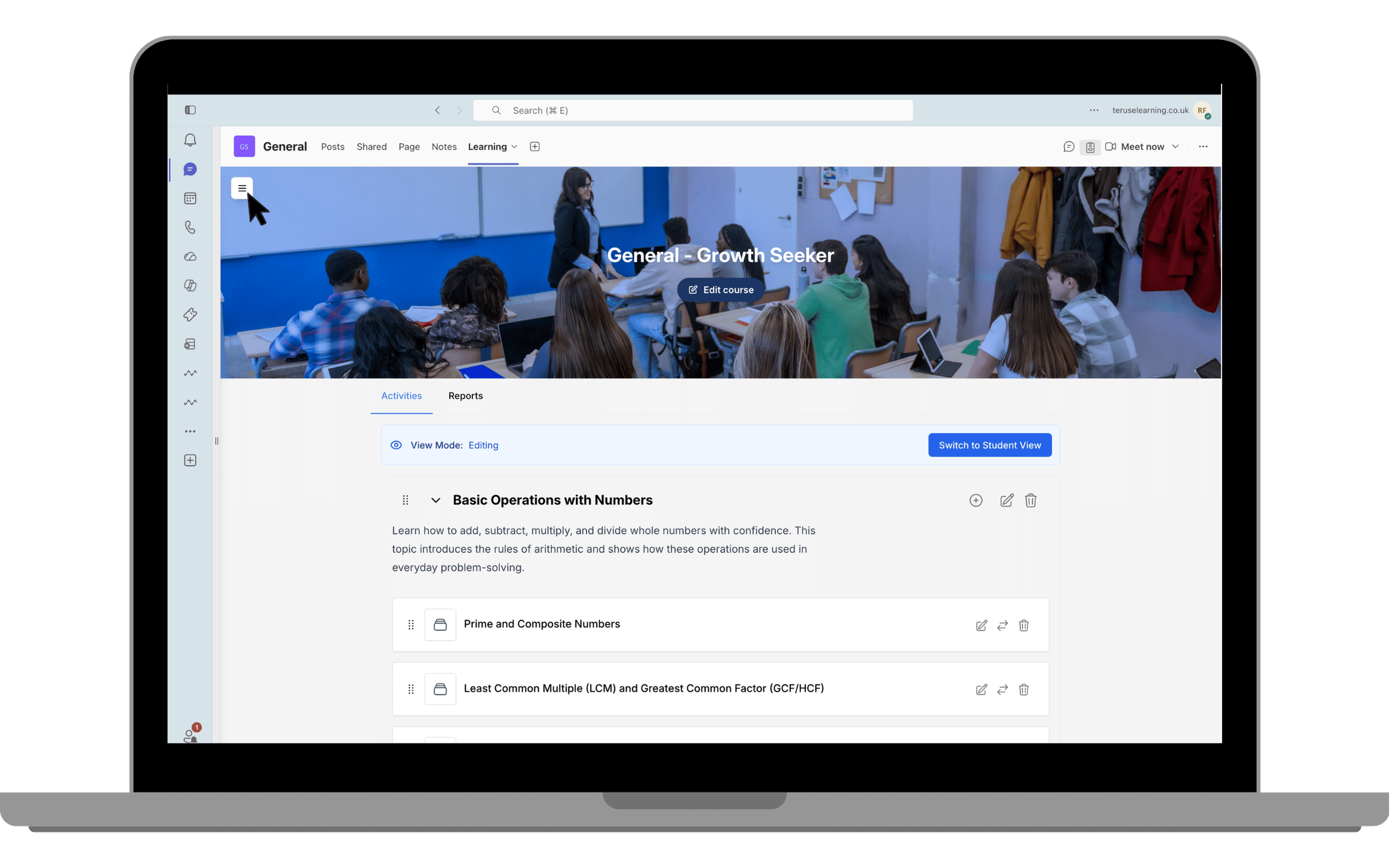
Click the floating button
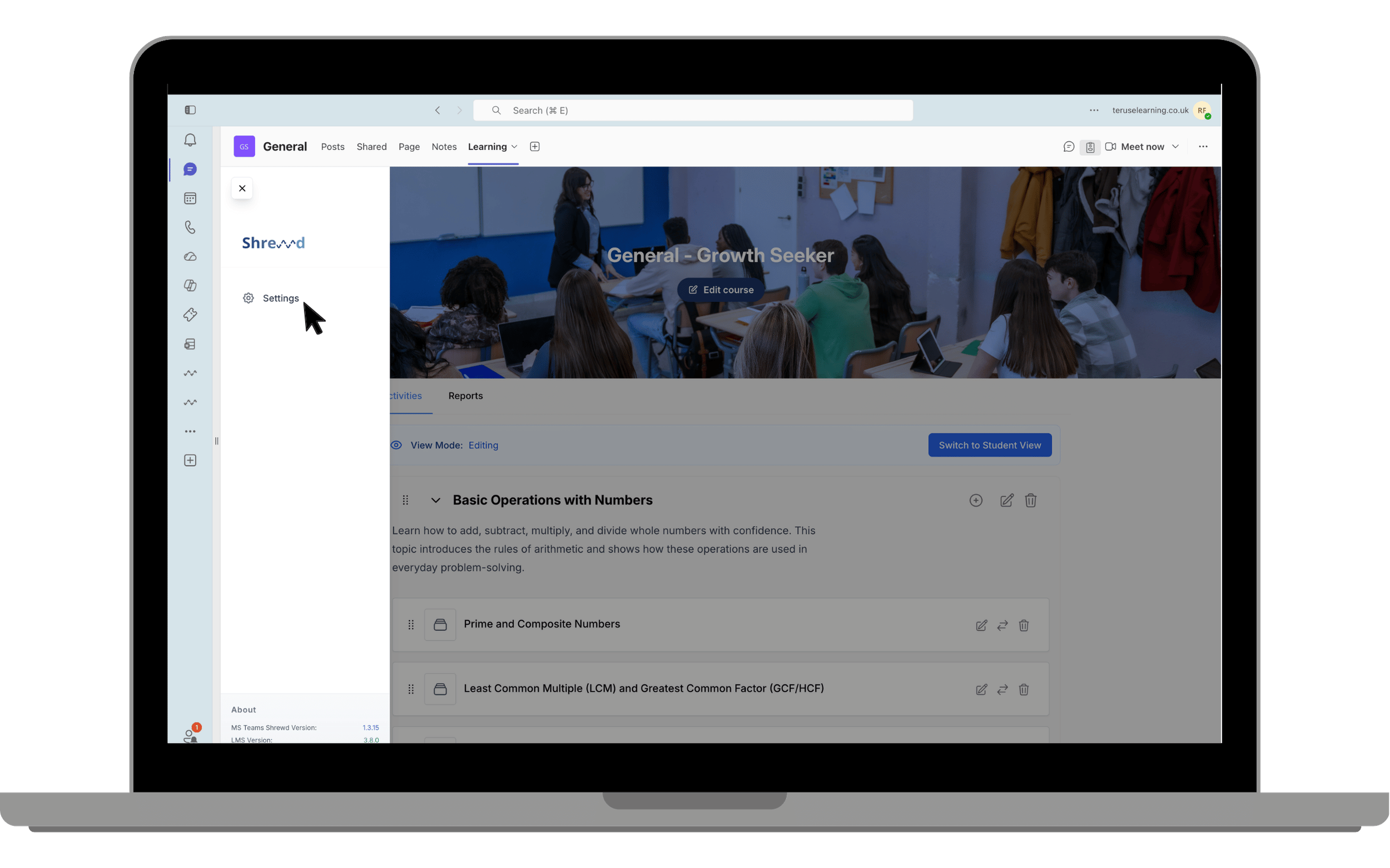
Select Settings
Find API Integration
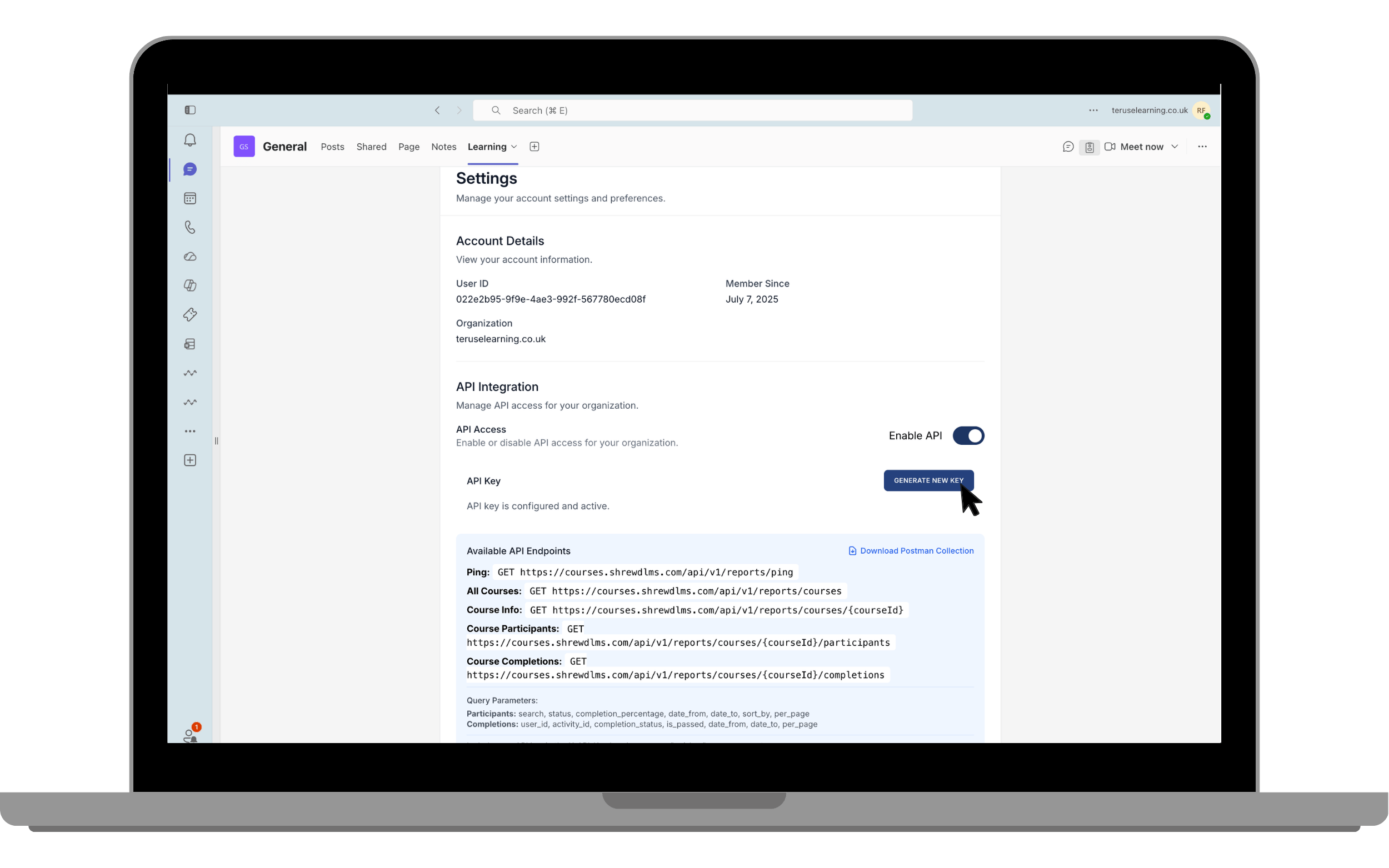
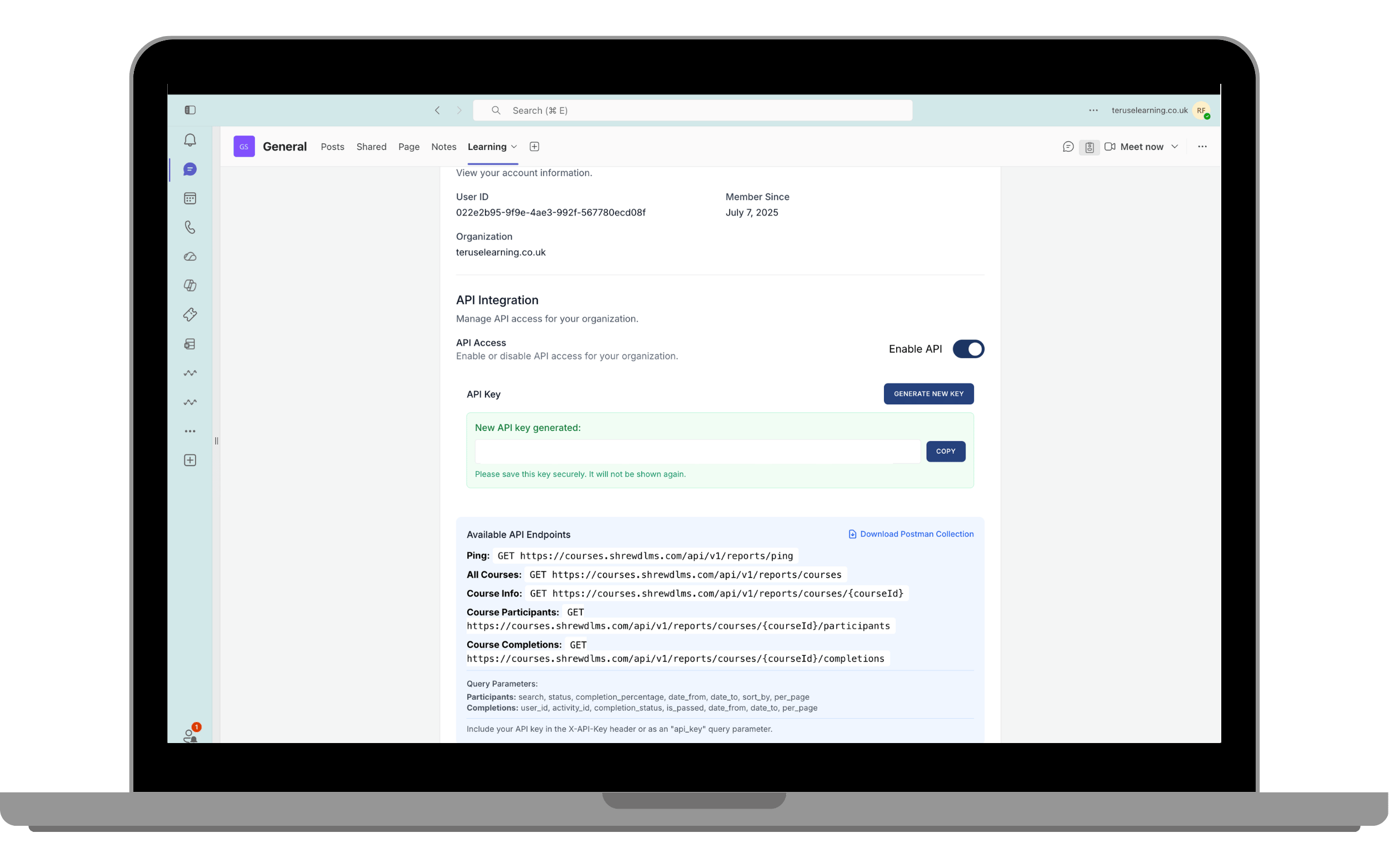
Click Generate New Key
Use Cases
Connect reports to dashboards
Integrate with analytics tools
Export learning data programmatically