
Shrewd LMS 3.2.0: Enhanced Course Management and Learner Tracking
Role Assignment and Score Settings for collaborative course management
This release introduces two major features designed to enhance course management and learner tracking: Role Assignment and Score Settings.
Role Assignment
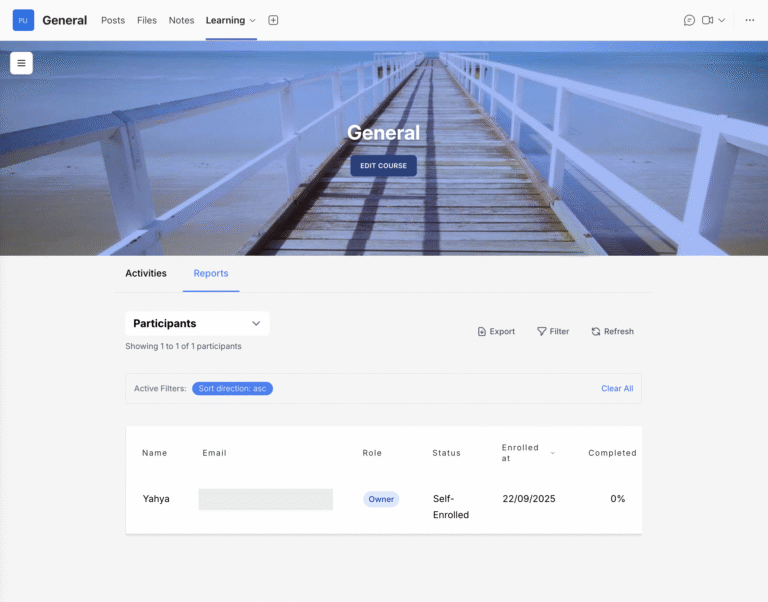
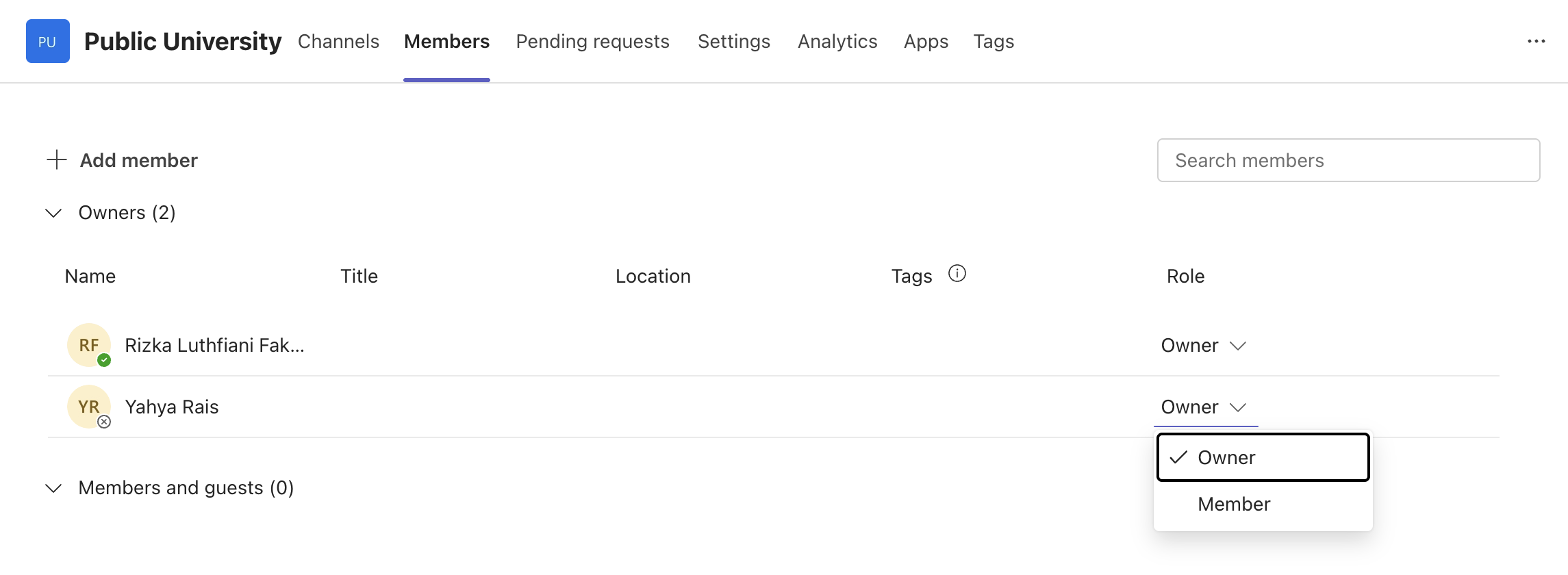
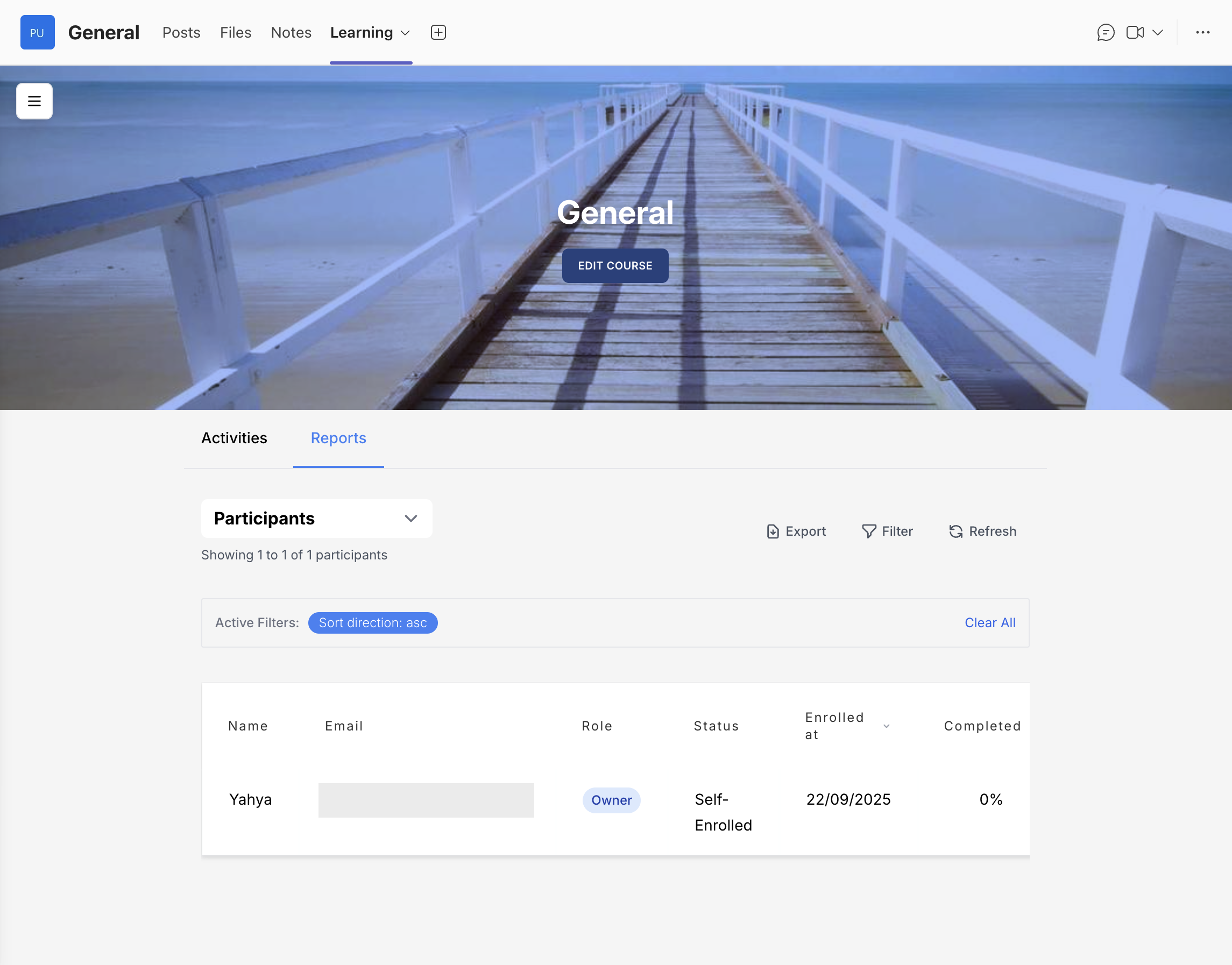
With the new Role Assignment feature, a Course Owner can now assign other participants as co-owners of the course. Each assigned course owner will have the same privileges — such as editing course content, managing activities, and viewing participant reports.
This enables multiple owners to work together efficiently in managing the same course, ensuring that course updates, participant reports, and progress tracking can be handled collaboratively without depending on a single person.
Score Settings
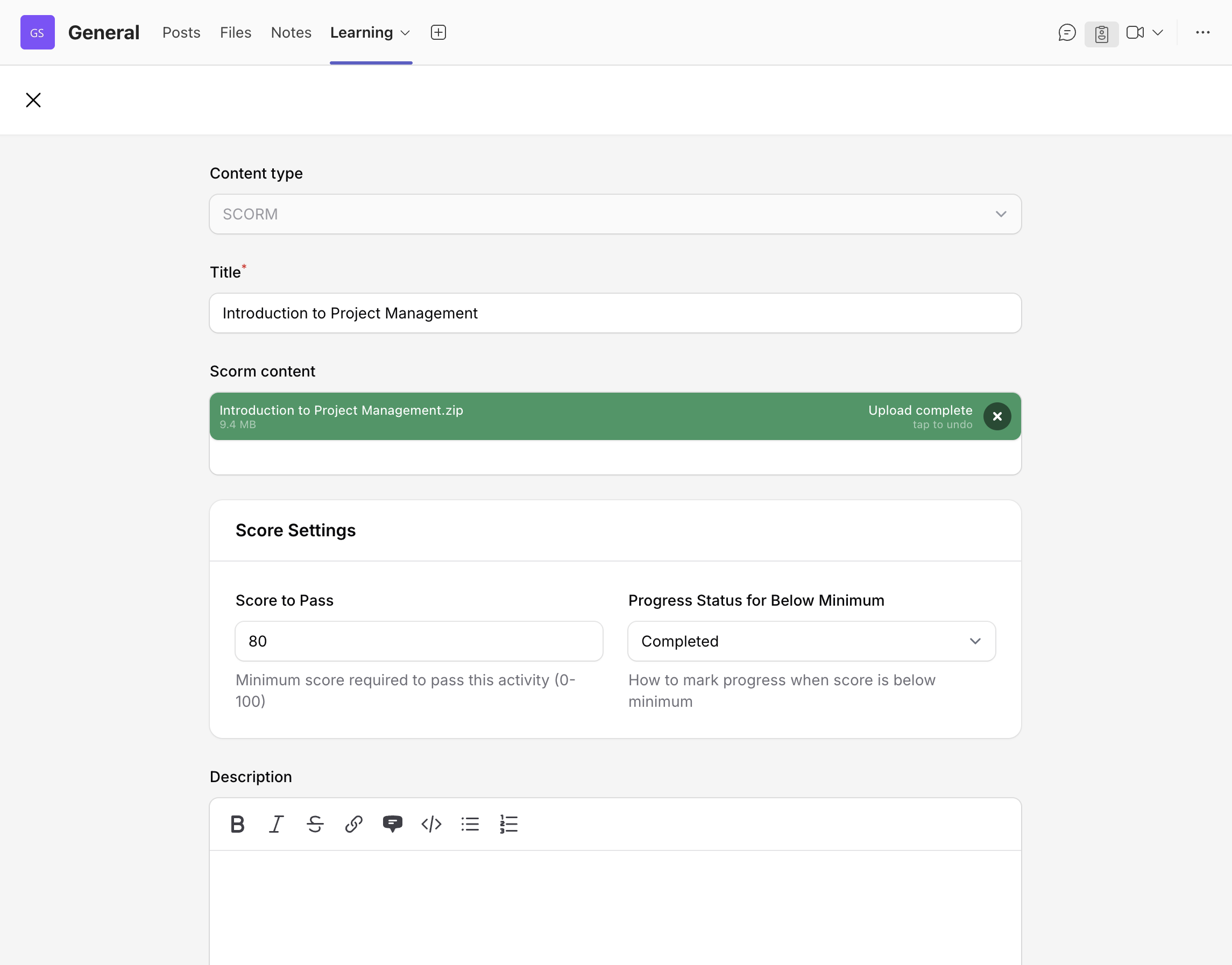
The new Score Settings feature allows course owners to set a passing score for BLC or SCORM activity. This enables you to define clear performance standards and instantly identify which learners have met — or fallen short of — your course criteria.
Currently, the Score Settings section is available only in BLC and SCORM activities, as these activity types include questions for learners to complete — making passing scores relevant. You can configure these settings when creating a BLC or SCORM activity.
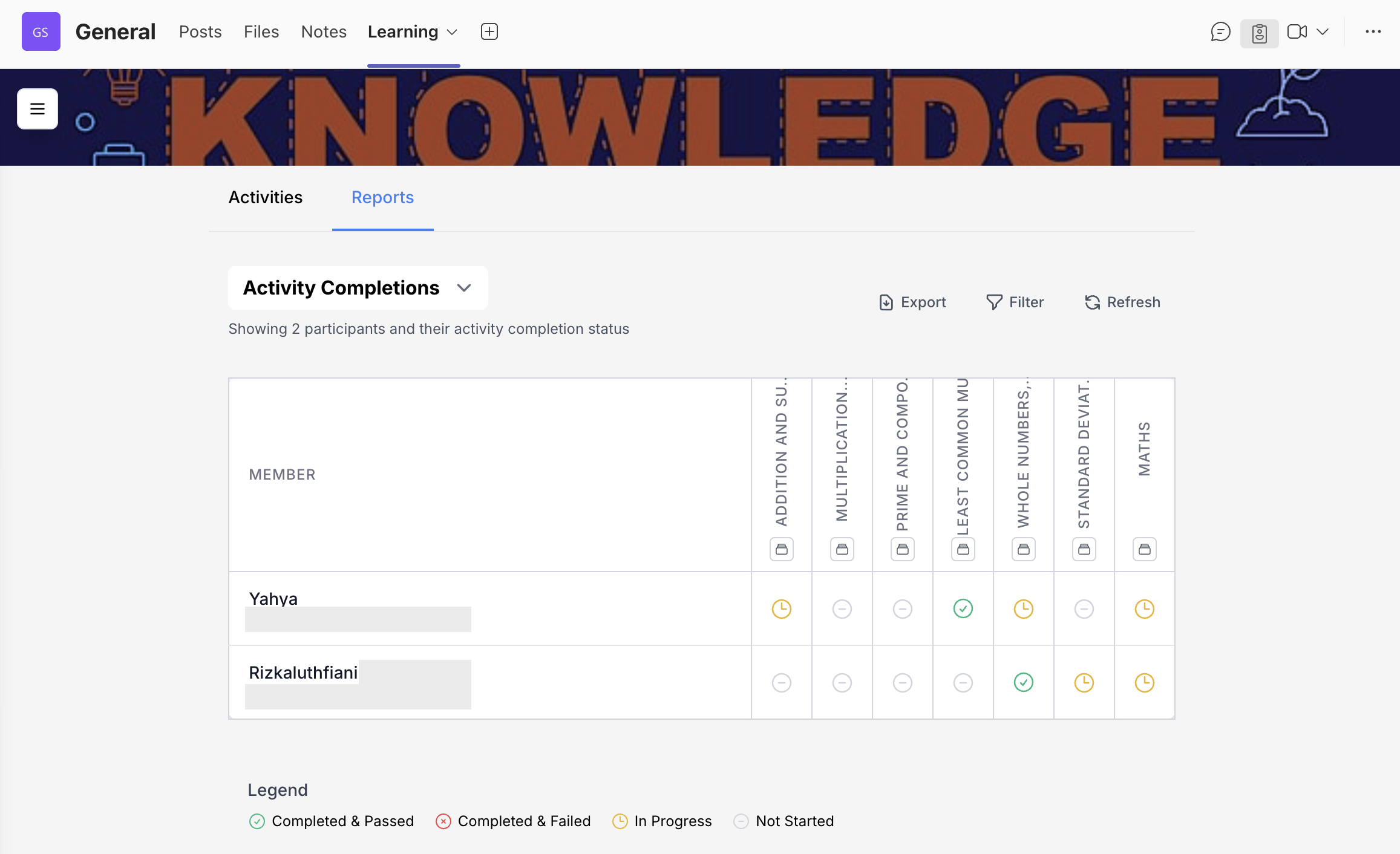
The Activity Completion Report automatically displays learners' progress and indicates whether they've passed or failed the activity based on the set score.