Shrewd LMS 2.0: Smarter Features for Better Learning
Over 6 new features and improvements to enhance your learning experience
We are excited to announce the launch of Shrewd LMS 2.0 with over 6 new features and improvements! This updated version of Shrewd LMS enhances learning experiences by refining course organisation and improving essential learning tools.
Enhanced Reporting
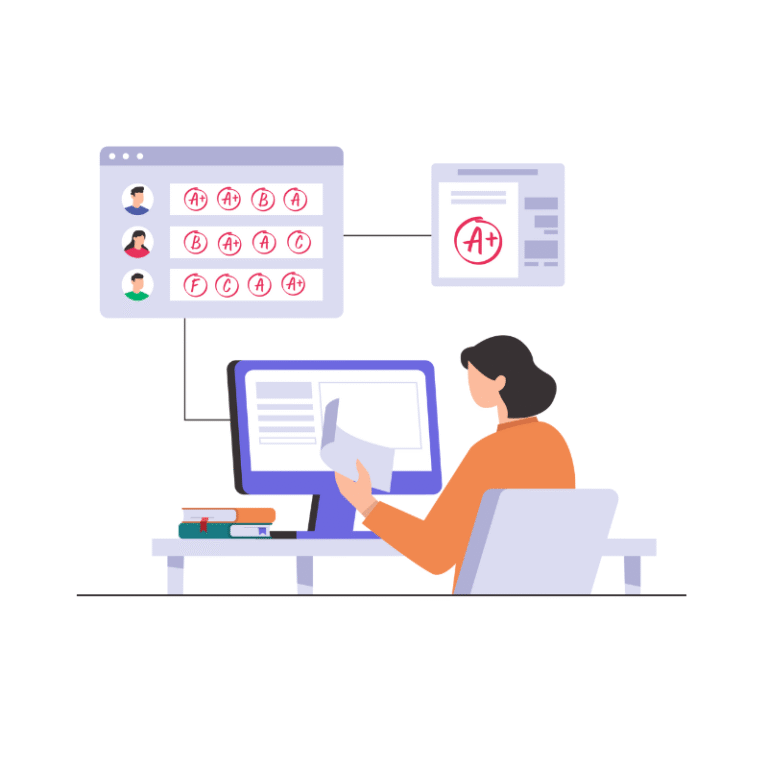
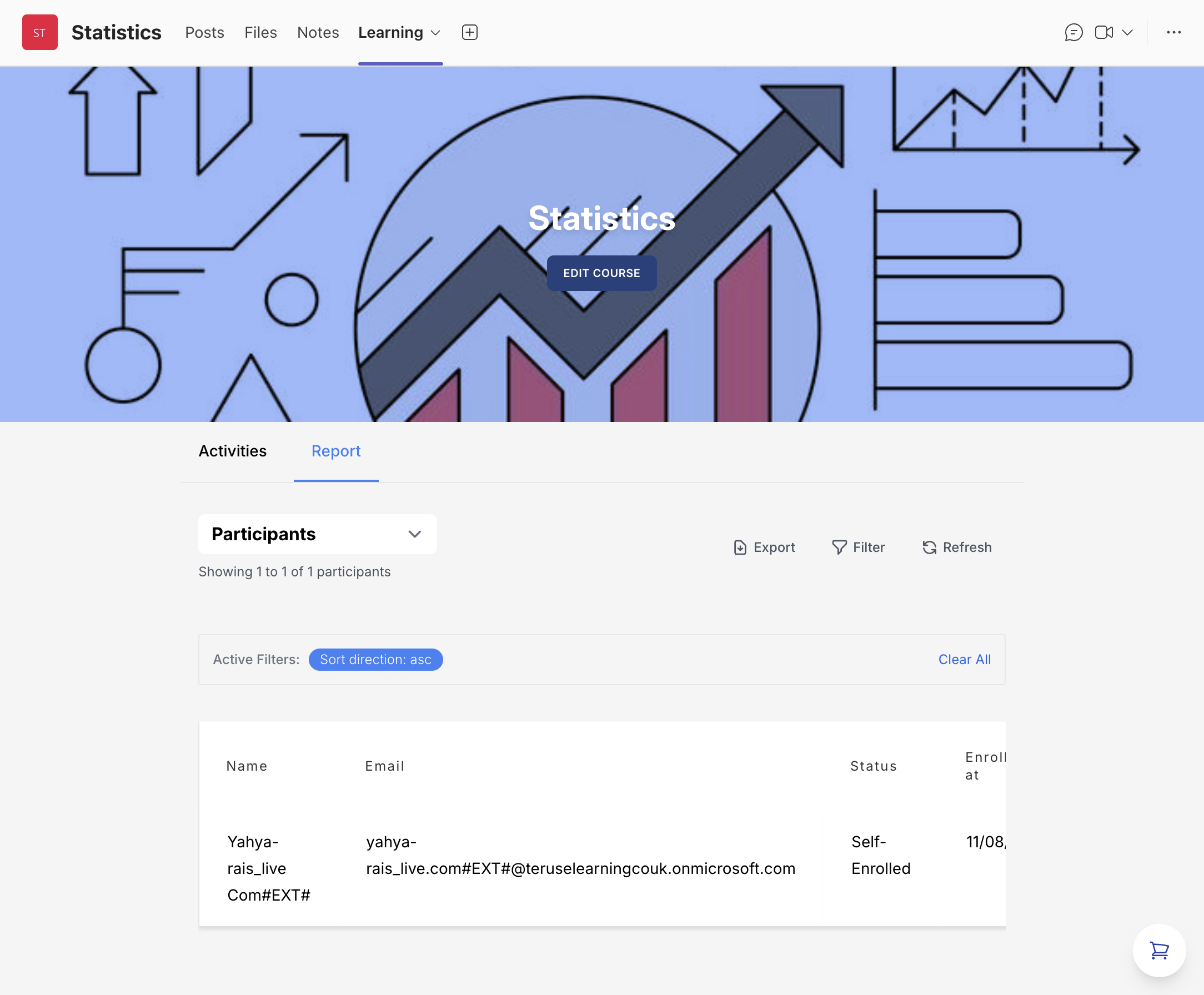
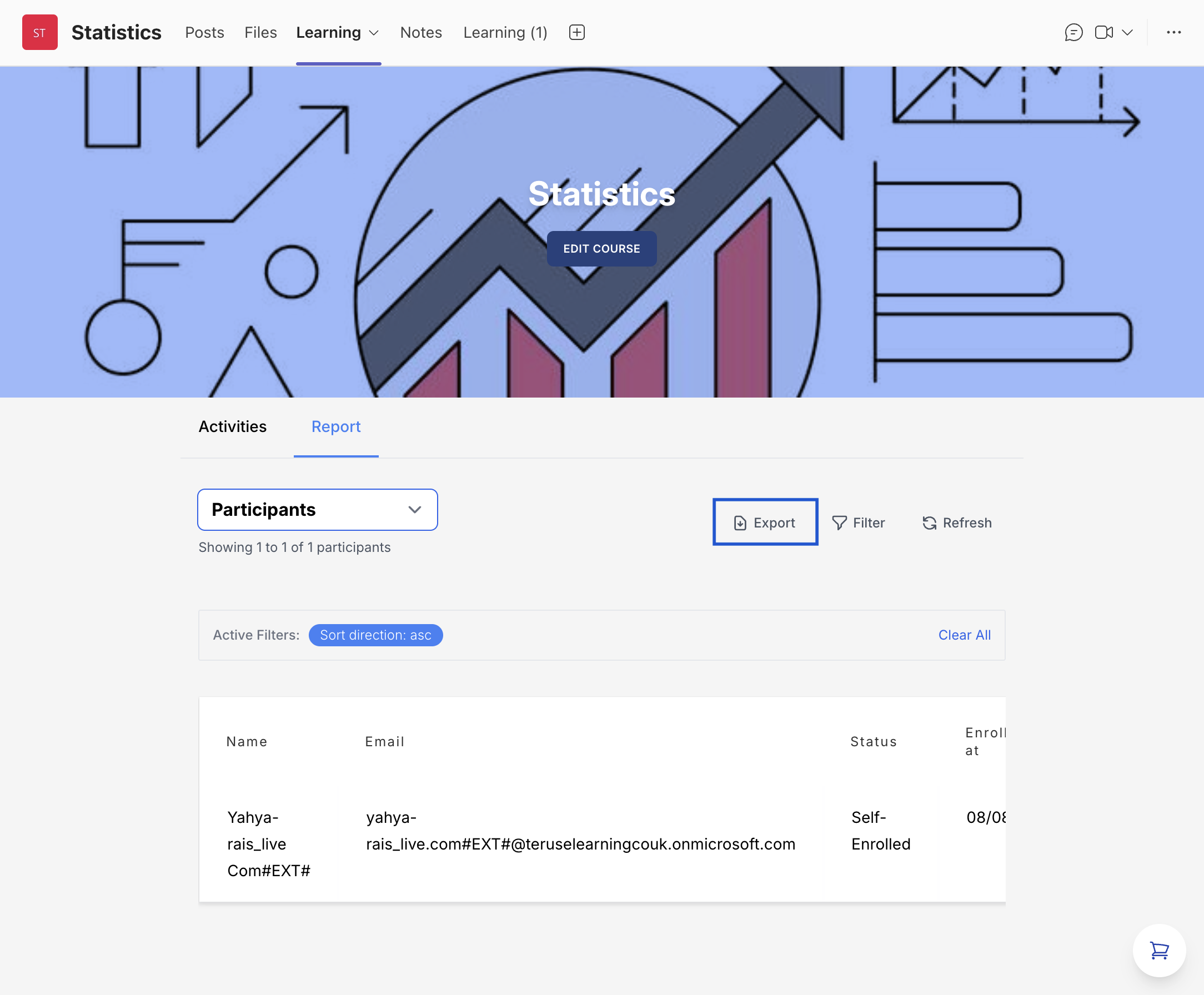
The Reporting feature provides a comprehensive overview of learner progress and activity. It offers two main report categories — Participants and Activity Completion — accessible via a dropdown menu in the new interface. Owners can easily switch between these report types to view the data they need.
Participants Report
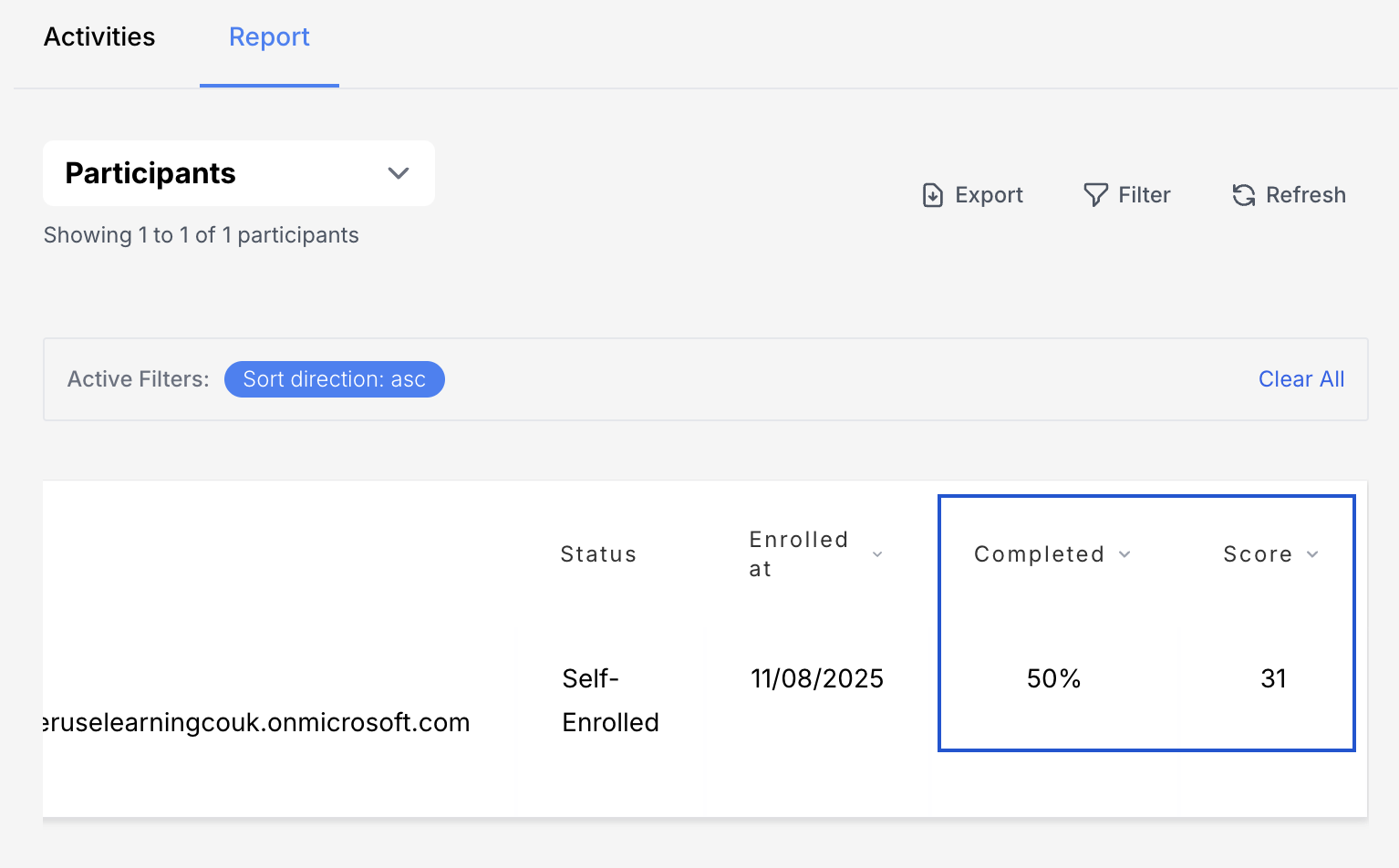
The Participants Report lists every individual enrolled in a course or program, along with key details about their status and progress. It includes each participant's profile information (name and email) as well as progress indicators such as enrolment status, enrolment time, overall completion percentage, and average score.
Filtering Tools
Owners can use filtering tools to narrow results by specific criteria, such as name, email, or enrolment date range. These filters also provide flexibility by allowing archived participants to be included when needed.
Activity Completions Report
The Activity Completion Report gives a detailed breakdown of which course activities each student has completed. Every activity in the course is listed, and for each user the report shows whether it is marked Completed & Passed, Completed & Failed, In Progress, or Not Started.
Track Completion of SCORM Packages
Reports can now automatically capture completion progress from SCORM content and calculate the average score across all quizzes taken by each student.
Export Reporting Data
Course owners can now export both the Participant Report and the Activity Completions Report in CSV format. The exported CSV includes exactly the data shown in the report view — it honours any filters you have applied.
Course Archiving
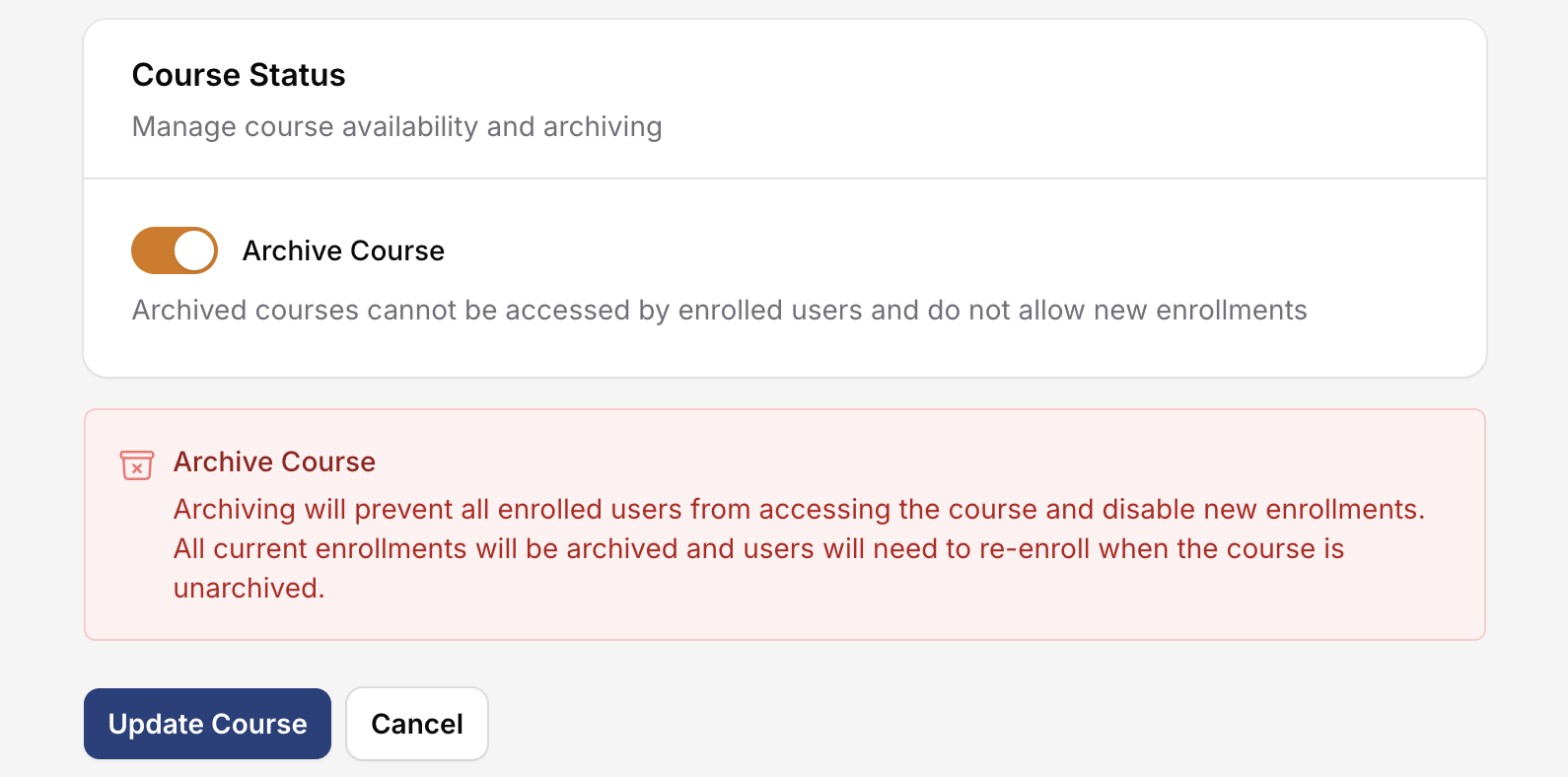
The Course Archiving feature allows owners to manually archive courses that are no longer in use, while ensuring all content, records, and enrolments remain fully preserved for future reference or reuse. Owners can unarchive a course at any time to make it available again.
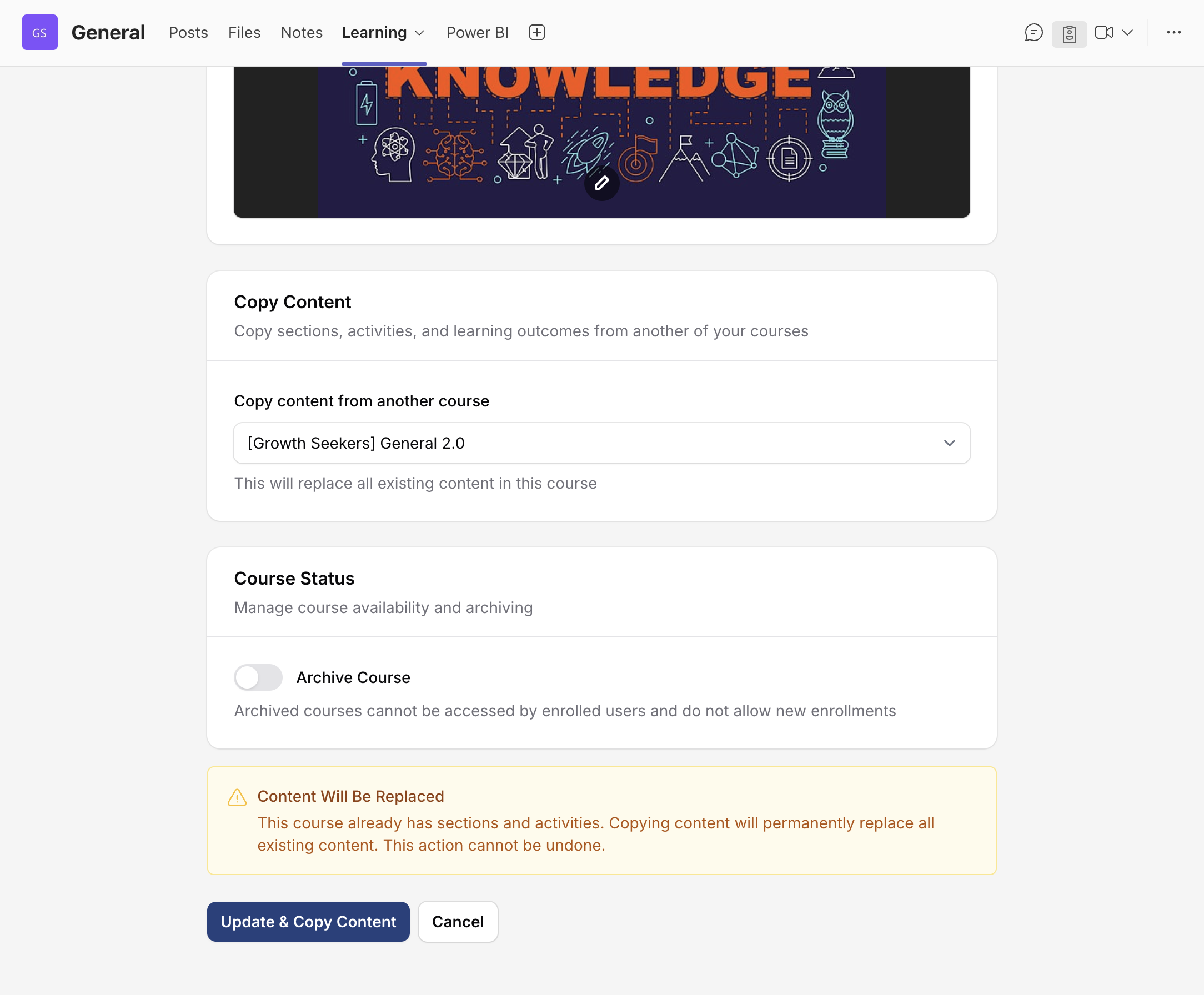
Copy Content from Another Course
Save time when setting up courses! Course owners no longer need to recreate similar courses from scratch. With the Copy Content feature, all activities and sections from an existing course can be duplicated into a new course in just a few clicks.